What is a Favicon? A Favicon is an icon associated with a URL that is variously displayed, as in a browser's address bar or next to the site name in a bookmark list. Such as the one you see in this image that has the Enfold Systems logo we use.
You can add your own image for your Ploud website by following these instruction.
1. First you need to create a Icon image
To create a favicon from a logo, follow these steps:
- Choose the Logo: Select a clear and recognizable logo that represents your brand.
- Resize the Image: Use an image editing tool to resize the logo to 16x16, 32x32, or 48x48 pixels.
- Simplify the Design: Ensure the logo is simple and legible at smaller sizes; remove intricate details.
- Save in the Right Format: Export the image as a .ico, .png, or .gif file for compatibility.
2.) How to upload your Favicon to the website
In the menu select Site Configurations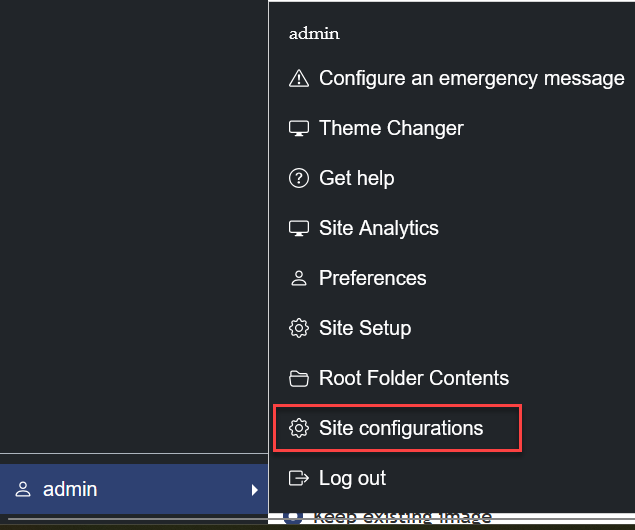
On the site configurations page scroll down until you see the following Selecting browse will open up the file program where you can go to where you saved the Favicon on your computer. Select the image and then select open.
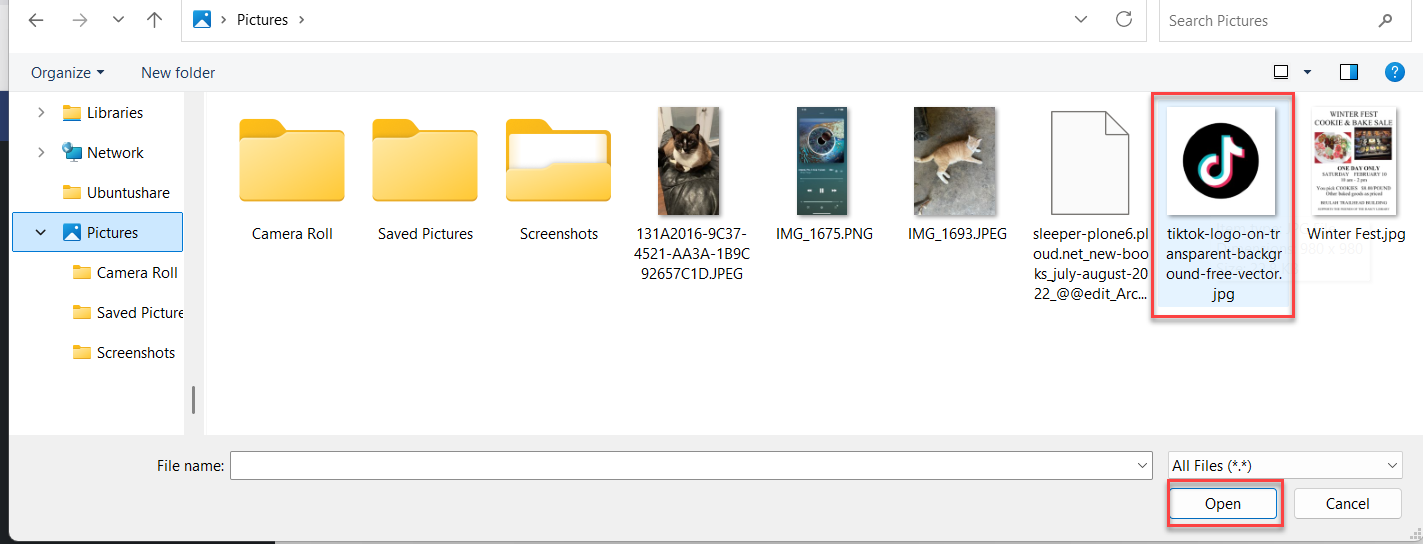 This action will upload your Favicon
To Apply the Favicon scroll to the bottom of the page and select Apply
Was this article helpful?
That’s Great!
Thank you for your feedback
Sorry! We couldn't be helpful
Thank you for your feedback
Feedback sent
We appreciate your effort and will try to fix the article